

The school workspace
Guardians and reaching them
Approving the adults captured at the gate, getting a parent's contact details confirmed, and the queue of parents who would hear nothing at all if you sent a message right now.
A guardian record is doing two jobs at once. It says which adults may collect a child, and it says who gets told when that child arrives or leaves. Three screens in the Queues section of your menu keep those two jobs honest, and it is worth understanding what each of them is actually asking of you.
Guardian approvals
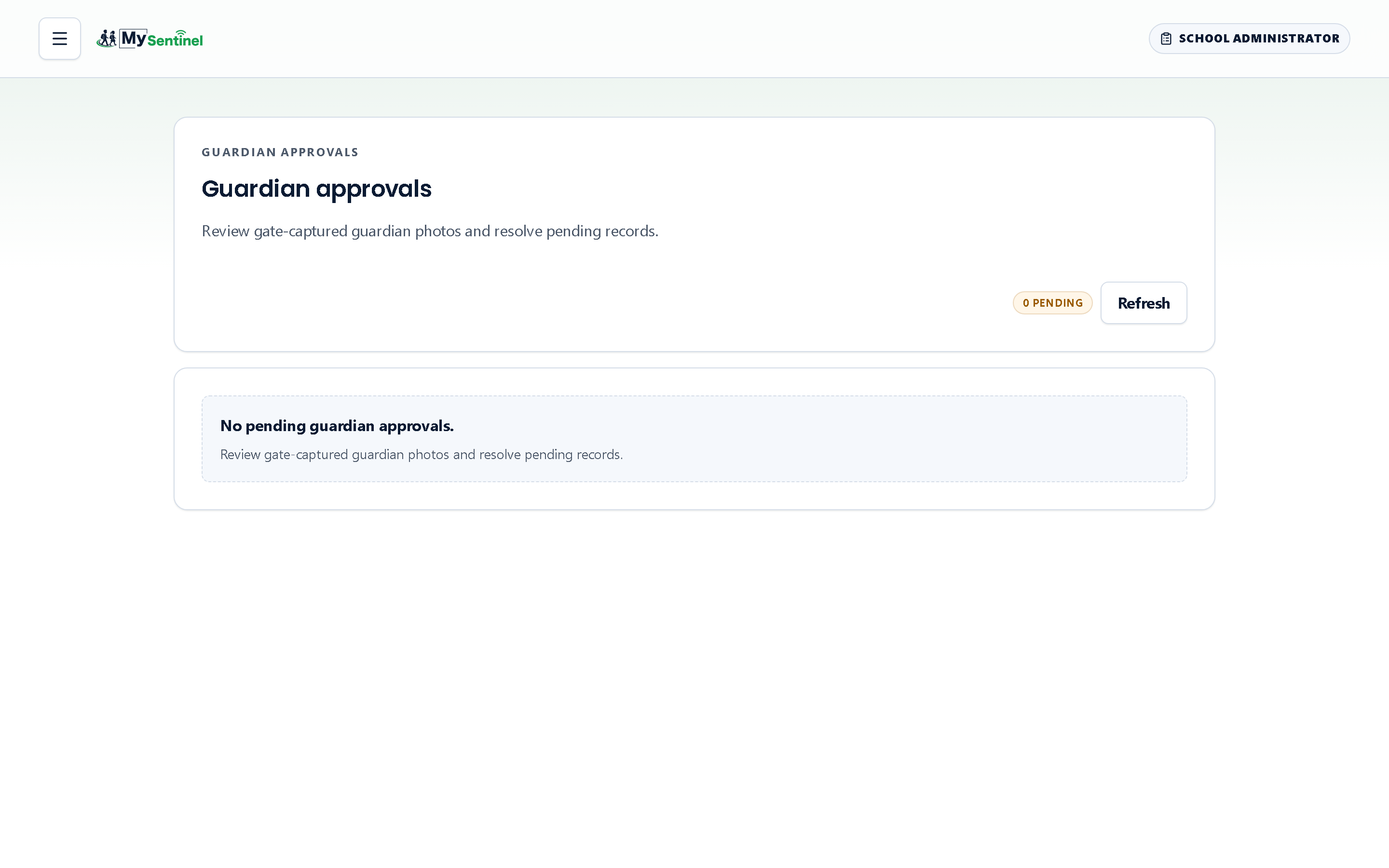
When an officer records a collection by an adult who is not yet on a learner’s list, the gate can capture that adult and send them here rather than turning them away. The screen is described as reviewing gate-captured guardian photos and resolving pending records, and that is exactly what it is: a photograph, a name, the learner they collected, and two buttons.
Approve adds them properly. Reject requires a reason before it will proceed — the field is labelled as required and the screen refuses to submit without it. That reason is not bureaucracy. It is the only account anybody will have, months later, of why a particular adult was refused.
When the queue empties the screen says No pending guardian approvals. If a photograph cannot be shown it says Photo unavailable rather than showing a blank, so you know the difference between no photograph and a failure to load one.
Approvals are worth doing daily. Every day a record sits here is a day the adult in question is neither properly on the list nor properly off it.
Guardian verification
Having a parent’s phone number is not the same as being able to reach them. A number or an address only becomes usable once the parent themselves has confirmed it, and until they do, nothing is sent to it at all.
The Guardian verification queue is described as the guardians who cannot receive notifications yet, with a resend available in one tap. Each row shows the parent, the learner, how long the record has been pending, and a chip per channel — Verified, Pending, Failing, Disabled, or one of No WhatsApp, No email, No phone where there is nothing on file to try.
Resend verification sends a fresh confirmation to the channels you pick. What it sends depends on the channel: email and SMS carry a six-digit PIN and a link; WhatsApp carries neither, and instead asks the parent to reply YES. That is not an oversight — Meta rejects a WhatsApp template that carries a code, so the proof on WhatsApp is the reply itself, arriving on Meta’s signed webhook from the number the school holds. The screen then tells you what actually happened rather than claiming success: Verification message sent., or Resend limit reached — try again later., or Already confirmed by this parent — nothing to send., or a specific reason it was not sent — WhatsApp not yet approved for that language, the address blocked from receiving mail, the contact detail rejected, or the messaging service not responding.
Read those reasons before you resend a second time. Three of them will never succeed on a retry and need the contact detail corrected instead.
Your dashboard raises an amber card when guardian channels have been sitting unverified for more than seventy-two hours, with a Review link straight here.
Who we could not reach
The third screen is the one to check before you ever need it. Who we could not reach lists every parent at this school who would hear nothing if a check-in message went out right now.
It exists because a count of failed messages cannot find these families. A parent who has never confirmed a single channel is never attempted, so they never accumulate a failure — they are invisible to any measure built on failures, and the school finds out when one of them telephones to ask why nobody told them.
Each row names the parent, the learners they belong to, how many messages did not reach them in the last thirty days, the reasons, and the remedy. Where the remedy is a confirmation that never came back, the row carries a Send it again button and does it there and then. Where there is simply nothing on file, it sends you to the learner record to add something.
If your school has switched a channel off entirely, a note at the top says so and points out that switching it on would reach some of these parents. When the list is empty it says Every parent can be reached.
Guardians on a learner’s record
Day-to-day guardian editing happens on the Guardians tab of a learner’s record: adding an adult, correcting a number, seeing the same per-channel verification chips, resending a confirmation, and revoking a parent’s portal link if it has gone astray — a fresh link travels out with their next notification.
Two things there are worth flagging.
Contact notes and any warnings the system has raised about a guardian appear under the row. They are staff-facing and worth reading before you telephone.
And the button offering Deactivate person or Reactivate person is not the same as editing that one row. It opens a dialogue headed Everyone this person is guardian to, listing every child in the school this adult is attached to, because one press silences — or resumes — their notifications for all of them at once. That breadth is why the system stops and asks you to confirm with your passkey before it will save; your device asks for a fingerprint, a face or a PIN, and nothing changes if you cancel. Editing one row on one learner does not.