

For parents
When someone else is collecting
Naming an adult you trust to fetch your child, the code they say at the gate, how long it lasts, where you find it while it is live, and how to cancel it the moment you change your mind.
An aunt is fetching them today. A neighbour is doing the school run this week. The school has never met either of them, and the officer at the gate has no way to tell a trusted family friend from a stranger who knows your child’s name.
A delegation is how you tell them. It names one adult, for your children, for a set period, and it can be cancelled by you at any moment.
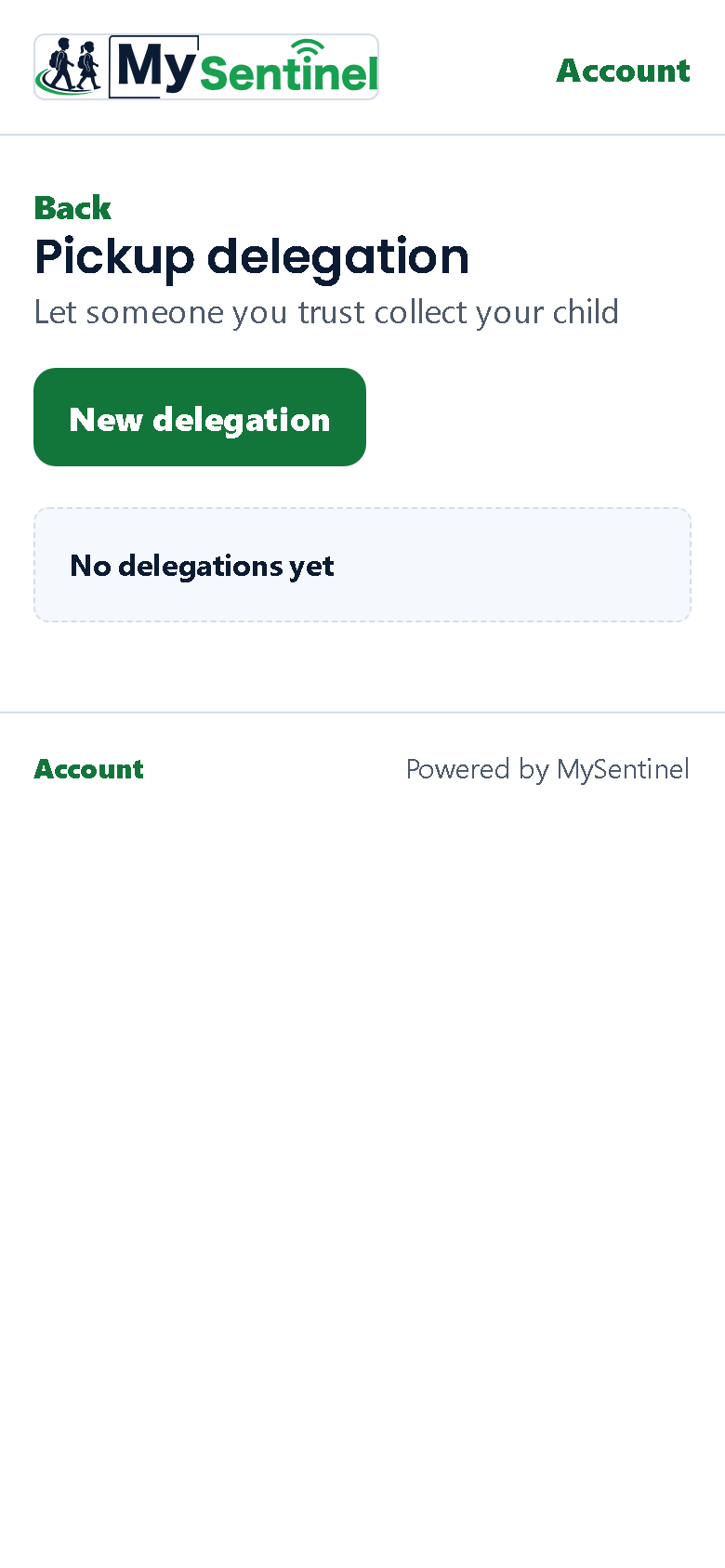
Making one
Open your child’s page, tap Tell the school…, and choose Someone else is fetching. That is the door, and the words on it are the words you would use out loud. It used to say you were arranging a pickup, which sounds like booking a taxi.
What it opens is the delegation page, and that page keeps the school’s own vocabulary — a delegation, and a delegate — because that is what the school’s staff and the officer at the gate call it, and a parent reading their own arrangement back to an officer should be using the same word they are.
New delegation opens a short form on top of the page — you never leave it.
Delegate’s full name and Delegate’s phone number, so the school knows who is expected. Which children? — tick the ones this applies to; a delegation can cover one child or several. Then Valid window: Today only, which is what most people want, or Until a date you choose. The furthest date you can pick is about a week out. It is deliberately short. An arrangement you have forgotten about is not an arrangement, it is a hole.
Create delegation and it appears at the top of the list straight away.
What you then have
The card that appears carries everything, and one thing on it is much bigger than the rest.
Gate code — six characters, shown in two halves so it is easy to read down a phone line. This is the whole mechanism. Your delegate says it at the gate, and the officer checks it against what the school has. You never type it anywhere. Nor do they — it is spoken out loud, by a person, to a person.
Share link hands your delegate their own page, by whichever app you already use with them. The card says as much underneath:
Share this link with your delegate by WhatsApp or SMS. They show the gate code at the gate.
If your phone has no share sheet the link is copied instead, and the card tells you so.
The rest of the card is the record: your delegate’s name, their phone number with most of it hidden, a small chip for each child it covers, the dates it runs between, and its current state.
Finding it again on the day
While a delegation is in force it is pinned to the top of your Messages tab under Happening now, marked Active now, with the gate code and the days it runs printed on it and an Open link back to the full card.
That pinning is the point. Somebody is going to be asked for that code at a gate this afternoon, and a list ordered by when things were created buries a Monday arrangement under Tuesday’s sick note. Anything still true sits above everything merely recorded.
The dates there are days rather than days and clock times. The exact minute an arrangement opens is not a fact any grandmother has ever needed at a gate; the precise window is still on the full card for anyone who wants it.
What your delegate sees
Their link needs no login either, and it shows them almost nothing. Their own name. The school’s name. Your children’s first names, so they can be sure they are collecting the right ones. The code. The dates. That is all.
They cannot see where your children are, what time they arrived, what you have told the school, or anything else on your side of the portal. A delegation gives away the minimum that lets a stranger be recognised at a gate, and no more.
Cancelling one
While a delegation is active, Revoke is on its card. It asks you to confirm, and tells you exactly what happens:
The link and gate code stop working immediately.
Not at the end of the day, not once somebody notices. The link dies and the code stops matching, in the moment you confirm it.
Every delegation ends up in one of four states, and only the first has a live link:
- Active — in force now.
- Used — the collection happened.
- Expired — the window ran out.
- Revoked — you cancelled it.
Two limits, and why
You can have at most 3 active delegations at once. Not a technical limit — a safety one. Three names is a list you can hold in your head and check. Fifteen is a list nobody reviews, and a standing arrangement with somebody you have fallen out of touch with is exactly the thing this feature exists to prevent. Cancel one you no longer need and you can add another.
And the window is capped at roughly a week, for the same reason. If the same adult fetches your child every Friday, make a fresh one each time. It takes about twenty seconds, and it means the arrangement is always one you have thought about recently.
Why not just forward your own link
Because your link opens everything — every child of yours, where each of them is, their attendance, your messages, your contact settings. Forwarding it hands all of that to somebody who only needed to fetch a child from a gate.
A delegation is the opposite shape: one named adult, the children you chose, the days you chose, nothing else visible, and you can end it in two taps. If you have already sent your own link to somebody, ask the school to cancel it — a fresh one reaches you with your next message.