

At the gate
Visitors at the gate
Signing an adult in and out of the school — what the form asks for, why the questions differ from school to school, and what happens when someone is refused entry.
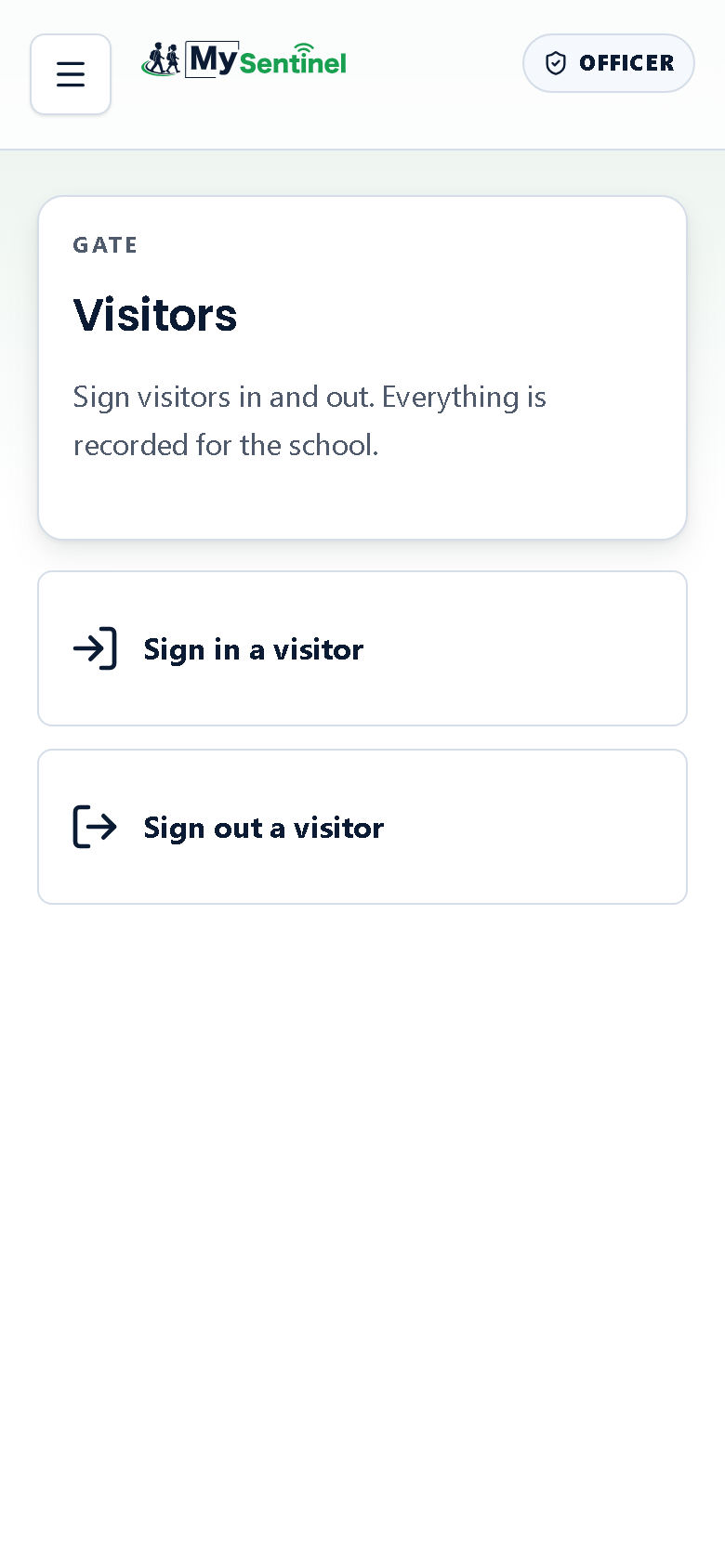
Learners have badges. Adults do not, so the gate handles them on a separate screen — Visitors — reached from the menu.
It is deliberately the smallest screen in the app. Two buttons, and nothing else to learn.
Signing somebody in
Tap Sign in a visitor and a short form opens.
The name is always asked for. Everything else on that form is your school’s choice, which is why the form you see may be shorter or longer than the one at the school down the road. A school can ask for a phone number, a reason for the visit, an ID number, and a vehicle registration — each one switched on separately by an administrator.
Do not read a missing field as something broken. A form with only a name and a destination is a school that decided that is enough.
Where the reason is asked for, you choose from a fixed list rather than typing: Parent or guardian visit, Contractor, Delivery, Prospective family, Maintenance, Other. A fixed list is what lets the office answer questions about the register months later; free text does not add up into anything.
The last question is who they have come to see. You pick a destination — Reception, Teacher, Front Office, Principal / Management, Learner, Other — and you may add a name underneath if you know it. Some schools replace that list with their own.
You are picking a destination, not a staff member. The gate has no staff directory to search, and it is not the place to work out which teacher somebody means. Send them to the right part of the school and let the office do the rest.
What the confirmation tells you
When the sign-in goes through, a green line at the top names the person and says they are signed in and recorded. That is the end of it.
If the phone had no connection, the line is amber instead, and it says the visitor was saved on this phone but has not been sent yet, and that it will send by itself once you are back online.
The difference matters and it is the same difference as a learner’s scan. Green means the school has it. Amber means the phone has it and is holding on to it. Neither one means you should sign the person in a second time — doing that puts two of them in the register.
When entry is refused
If the person is on the school’s ban list, the sign-in stops and the screen turns fully red:
Entry blocked
This person is on the school ban list. Call an admin.
Underneath, the reason the school recorded is shown, and a prompt to get an administrator.
There is no override on this screen, and that is on purpose. An officer standing alone at a gate with an angry adult should not be the person deciding whether a ban applies. Only an administrator can lift one, from inside the school workspace. Nothing is written to the register when entry is blocked — no visit is recorded, because no visit happened.
Red is used here for the same reason it is used nowhere else: someone must not come in.
Signing somebody out
Tap Sign out a visitor and you get the list of everyone currently on site. The list is the interface — find the person, tap the row, done. There is no code to type and nothing for the visitor to produce.
Each row carries the person’s name, when they signed in, and who they came to see, so two visitors with similar names can still be told apart. If the list is long there is a search box above it.
When nobody is left, the screen says so plainly: no visitors on site, and everyone who signed in has signed out. That empty list at the end of the day is the point of the whole screen.
Why the school keeps this at all
A visitor register answers one question, and it is always asked after the fact: who was on the property that afternoon.
A register that only records arrivals answers half of it. That is why signing people out is a real task and not a courtesy — an adult the system still thinks is on site an hour after they left makes the record worthless in exactly the situation it exists for.
What is stored, how long for, and what happens to an ID number is set out in Visitors and identification.