

At the gate
Working without signal
The offline pack — a copy of the school's badges kept on your phone so the gate can still tell you who a learner is when there is no connection at all.
A scan never waits for the network — that is covered on Recorded, and sent. But the phone can only answer instantly because it already knows which badge belongs to which learner, and it learns that from the school.
There is one moment where that breaks down: a phone that starts its day with no connection at all has nothing to answer from. The offline pack exists for that morning.
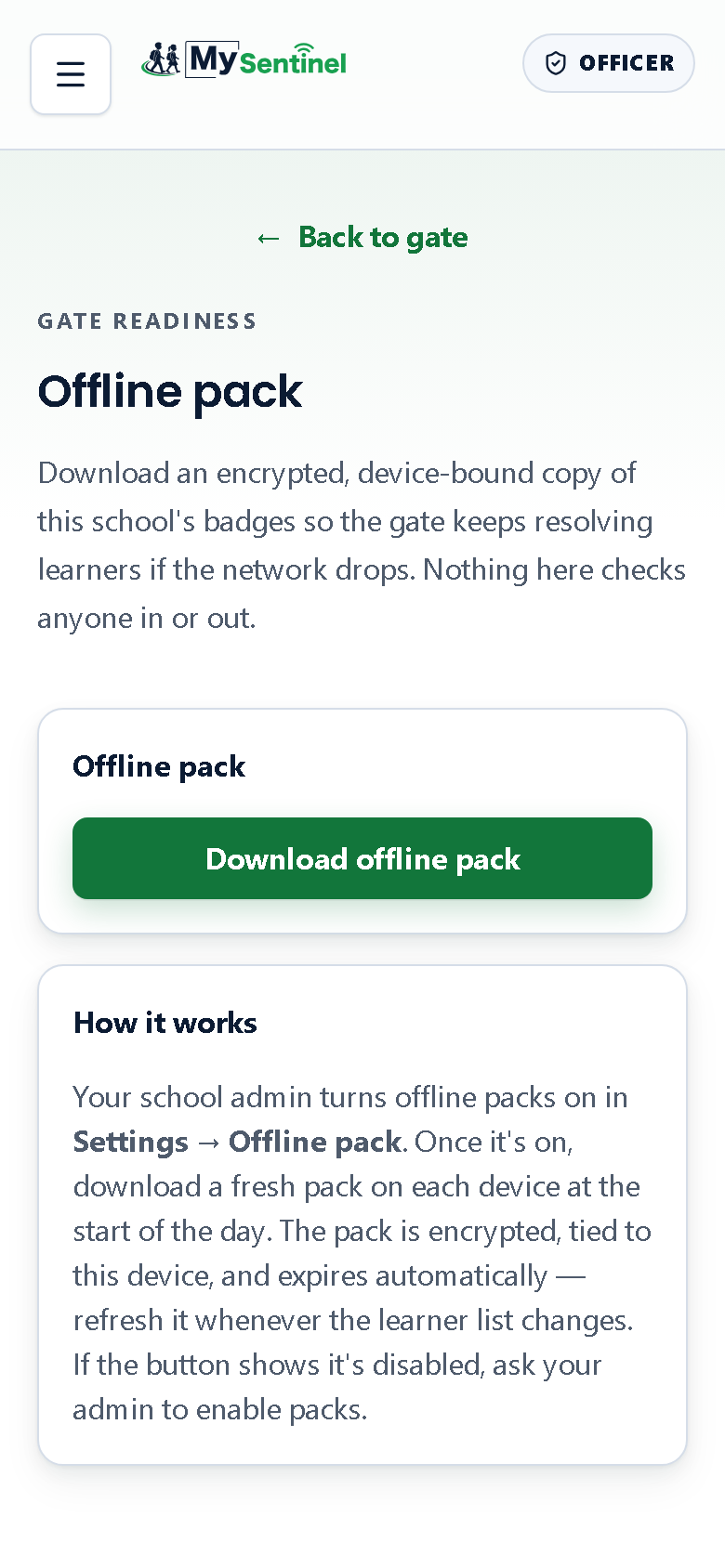
What the pack actually is
A copy of your school’s badges, downloaded onto this phone and locked to it. With a pack on the device the gate can still put a name to a badge with no signal whatsoever — including first thing in the morning, before the phone has spoken to the school even once.
It is encrypted, it is tied to this device and useless on another, and it expires by itself after a period the school sets.
Nothing on this screen checks anyone in or out. Downloading a pack does not touch a single learner’s record. It only changes what the phone can work out on its own when the connection is gone.
Using it
Your school administrator switches offline packs on first, under Settings → Offline pack in the school workspace. Until that happens, the screen simply says packs are not enabled for this school, and there is nothing for you to do about it except ask.
Once packs are on, the routine is one tap at the start of the day: open the screen from the menu and tap Download offline pack.
When it lands, the screen confirms the pack is ready and tells you what is in it — how many learners, and when it expires. Download again whenever the learner list has changed, and again once the pack has expired; an expired pack tells you so and asks for a fresh download rather than quietly going stale.
Wipe offline pack removes it from the device. Use it when the phone is leaving your hands — going in for repair, being handed to somebody else, becoming a spare. The screen confirms the pack has been removed.
The photo line, and why it is worth reading
If your school includes learner photos in the pack, the screen tells you how many of them made it onto the device — a count of photos packed out of photos expected.
When some could not be included, an amber warning says how many are missing and tells you exactly what you will see instead: those learners will show their initials at the gate rather than a face.
That line exists because the silent version of it was dangerous. A screen that says photos are on, while a handful of children have quietly arrived without one, teaches an officer to trust a face that is not going to be there. Better to know before the queue starts that you will be confirming three learners by sight this morning.
Where a pack helps, and where it does not
A pack answers one question and one only: who is this badge?
Everything else about how the gate behaves offline is unchanged, and it is already generous — check-ins and check-outs are recorded on the phone and sent when the connection returns, whether or not a pack exists. A pack simply means the phone does not need the school to identify the learner in the first place.
What a pack cannot do is tell you something the school decided after the pack was made. A collection restriction recorded this morning, or a badge reported lost an hour ago, has not reached a phone that has been offline since before that. Every connected gate enforces both immediately. The gap only exists on a phone that has genuinely been out of contact, and the honest way to close it is a sync — or a phone call to the office.
It is also why a pack is a start-of-day habit rather than a one-off. A pack downloaded on Monday is Monday’s answer.
Should your school use them at all
This is a real decision and it is not automatic, which is why it is off until somebody turns it on.
A school with a reliable connection at the gate gets very little from packs. A school where the first officer on duty regularly has no signal at 06:45 gets a great deal.
Including photos is a second, separate decision. Photographs of children sitting on a phone are personal information in the strongest sense, and the school is choosing to put them there. That choice belongs with whoever is answerable for lost devices, not with the gate.